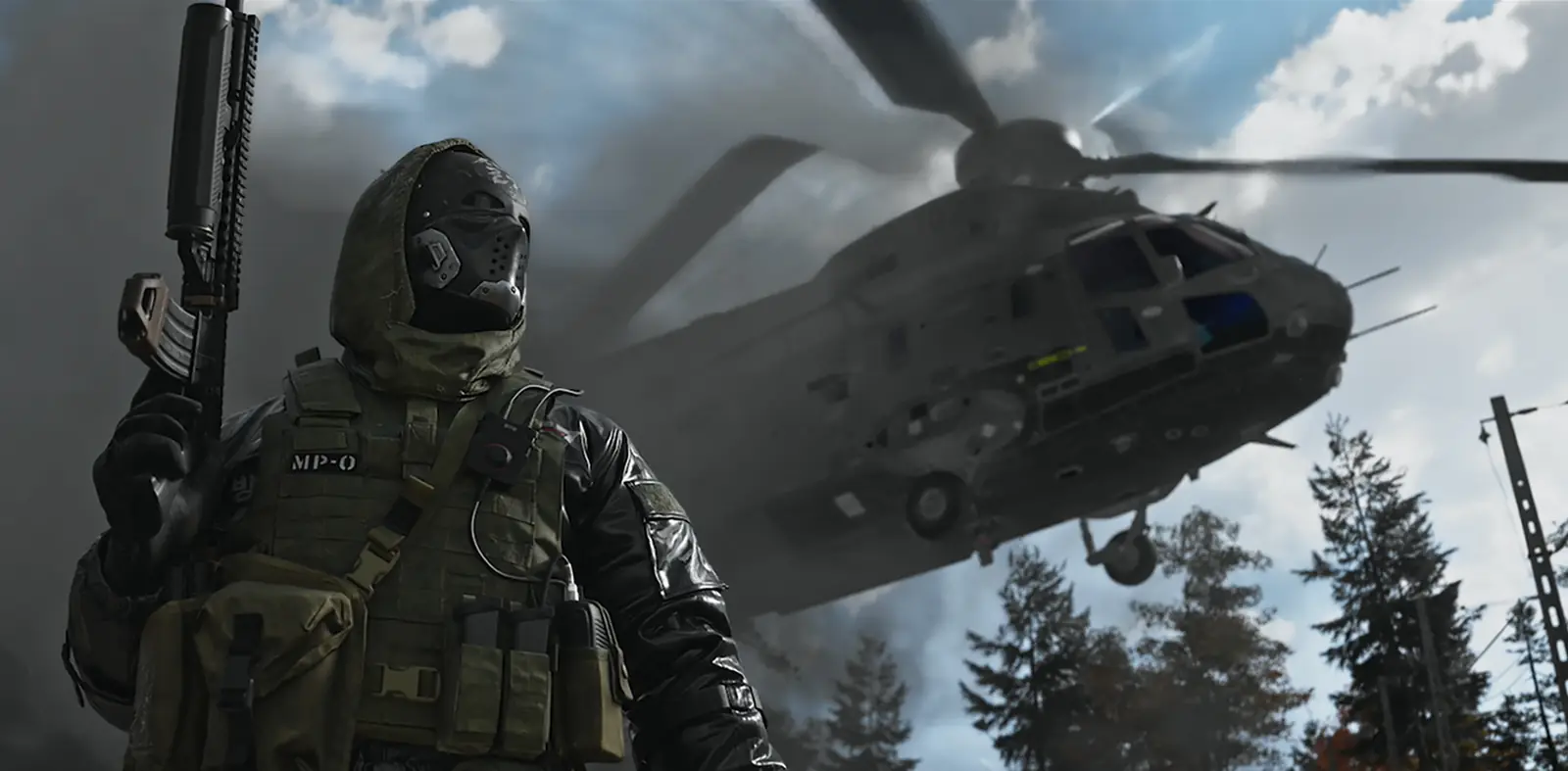
MW4 connection
MW4 Lag Fix: High Ping, Packet Loss and DMZ Lag
MW4 lag almost always comes from one of four places: your Wi-Fi or home network, a NAT type that is not Open, the route between your internet provider and the game server, or Activision's servers. The checker below finds yours in five clicks, and most fixes cost nothing.
Last updated Game version: Pre-launch (official intel, October 2026)
MW4 lag checker
The fixes come from Activision's support pages and general networking, and most of them cost nothing.
Try these, in order
- Stop downloads and streams while you play. Game updates, video streams and cloud backups on any device in your home share the same line. Activision suggests limiting bandwidth-heavy apps; pause them and test again.
- Restart the router and test your speed. Turn the router (and modem) off for a minute, then run a speed test. Both are on Activision's list of connection tips. Run the test at the time you usually lag, too.
- Test a different route to the server. When your connection is wired and fast but your ping is still high, or it spikes at the same time every evening, the slow part is usually the route your internet provider takes to the game server. You cannot change that route yourself; a routing app can, so compare your ping with and without one.
A routing app like ExitLag: Worth a free trial
On a wired PC with high ping, evening spikes or packet loss, the route to the server is a likely cause, and that is what a routing app changes. Try it free and compare your ping.
Start the ExitLag free trial Affiliate link
Is it you or the servers?
If friends in other homes lag at the same moment, the problem is almost certainly on Activision's side, and nothing you change at home will fix it. Three places to check:
- Activision's Online Services page: lets you pick Modern Warfare 4, links to the PlayStation, Xbox, Battle.net and Steam status pages, and has a form to report an outage.
- @CODUpdates on X, where Activision posts known issues and fixes.
- Infinity Ward's MW4 Trello board, which the launch patch notes name as the place for live issues.
On October 21, during DMZ Early Access, Activision released more server-side changes for reports of server disconnects. Fixes like that happen on the servers; you only need to restart the game. The DMZ fixes and known issues since launch are on our MW4 updates page.
Ping, packet loss and jitter, in plain words
- Ping is how long a message takes to reach the game server and come back, in milliseconds. Lower is better: the further and the more crowded the path, the higher it gets.
- Packet loss is game data that never arrives. The game has to guess where players are, so they warp, rubber band or take hits after reaching cover.
- Jitter is ping that jumps around. A steady 60 ms feels better than one that swings between 30 and 150.
Lag that starts at the same hour every evening usually means a busy network somewhere between you and the server: your home, your internet provider, or a link further along. Lag that only appears on Wi-Fi is your home network.
Free fixes, in the order to try them
Activision's Online Services page lists four, and they are the right place to start:
- Restart your router.
- Use a wired connection.
- Check your connection speed.
- Limit other apps that use a lot of bandwidth.
Then check your NAT type, which decides who you can connect to. Activision describes the three types like this: Open: connects to everyone and gives the best connection quality. Moderate: connects only to players whose NAT is Moderate or Open. Strict: connects only to players whose NAT is Open. A Moderate or Strict NAT shows up as long lobbies and failed connections rather than high ping. Activision says forwarding ports makes your console or PC easier for others to reach, which can help connection speed, lobby wait times and gameplay. Turning on UPnP in your router lets the console or PC open the ports itself. Activision's port list (last updated in February 2026) covers Black Ops 7, Black Ops 6, Warzone and older games, but not Modern Warfare 4 yet. We add MW4's ports when Activision lists them.
Playing on PC? Make sure the game itself is not the bottleneck: a low frame rate feels like lag too. Our MW4 system requirements checker compares your PC with the official specs.
When a routing app like ExitLag helps, and when it does not
A routing app changes the path your game traffic takes to the server. That helps only when the path is the problem: you play on a PC, on a cable, your speed test is fine, and your ping is still high or spikes at the same time each day. It does not help with Wi-Fi, a Strict NAT, a server outage, or a slow PC, and apps like ExitLag do not run on consoles at all.
ExitLag says it is not a VPN: it sends your game traffic along several routes at once and moves it to another route when one gets congested. New accounts get a 3-day free trial with every feature; ExitLag says no card is needed to start. Run a few DMZ matches with it and a few without, and keep it only if your ping or packet loss is clearly better. We have not confirmed that Modern Warfare 4 is in ExitLag's game list yet. Check that it is during the free trial, before you pay.
Lag is not the only thing that can stop you on PC: if MW4 will not go online at all, our fix for MW4 failed attestation covers TPM 2.0 and Secure Boot. Once you are in, the DMZ beginner's guide explains what you lose when a connection drops mid-deployment.
Questions
Why is my ping so high in MW4?
Usually one of three things: Wi-Fi, other downloads on your network, or a slow route between your internet provider and the game server. Plug in a cable and stop other downloads first. If your ping is still high on a cable, or it climbs at the same time every evening, the route is the likely cause.
How do I fix packet loss in MW4?
Packet loss means some game data never arrives, so players warp or rubber band. Switch from Wi-Fi to a cable, restart your router and pause other downloads. If it stays on a cable with nothing else running, note the times and report it to your internet provider.
Are the MW4 servers down?
Check Activision's Online Services page, which lists Modern Warfare 4 and links each platform's status page, and @CODUpdates for known issues. If friends in other homes lag at the same moment, it is the servers, not you. On October 21, during DMZ Early Access, Activision released more server-side changes for reports of server disconnects.
What NAT type do I need for MW4?
Open. Activision says: Open: connects to everyone and gives the best connection quality. Moderate: connects only to players whose NAT is Moderate or Open. Strict: connects only to players whose NAT is Open. Forward ports or turn on UPnP in your router to get there.
Does ExitLag work for MW4 on PS5 or Xbox?
No. ExitLag runs on Windows PCs and Android and iOS phones; its help center says it does not run on PlayStation, Xbox or Nintendo consoles. On PC, we have not confirmed that Modern Warfare 4 is in ExitLag's game list yet. Check that it is during the free trial, before you pay.
Sources
- Activision Support: Online Services
- Activision Support: Port Forwarding and NAT Types
- Activision Support: Ports Used for Call of Duty Games
- @CODUpdates on X: server-side changes for disconnects (October 21, 2026)
- Call of Duty: Modern Warfare 4 Launch Patch Notes (October 21, 2026)
- Infinity Ward: Modern Warfare 4 Trello board (live issues)
- ExitLag Help Center: Does ExitLag work for consoles?
- ExitLag: free trial
- ExitLag Blog: how ExitLag improves your connection
Checked against the official posts on October 23, 2026. Activision's advice is from its own support pages and posts; the explanations are ours.
Continue reading
 Next stepLag on PC? Check your frame rate against the official specs too.MW4 System Requirements: PC Specs and CheckerMinimum, Recommended and Ultra PC specs from Activision, what every PC must have, the drivers to install and a quick check of your own PC.Go there
 Related guides
 PCMW4 Failed Attestation Fix: TPM 2.0 and Secure BootWhat Failed Attestation Status means in MW4, the fix for each message the game and the wizard show, and how to check TPM 2.0 and Secure Boot yourself.
 UpdatesMW4 Updates: Season 1 and Patch NotesEvery MW4 update and season in one place: what Activision has announced for Season 1, its date once official, and the patch notes.
 Getting startedDMZ Beginner's Guide: FOB and First RunsHow a DMZ deployment works from infil to exfil, which FOB stations open at which level, and what happens when you die.
Card pictures: Screenshot: Call of Duty: Modern Warfare 4 © Activision (enhanced)